Selling your Photos Online on PhotoStocksIt’s now easier than ever to earn extra money from your images by selling them online via micro stock photography sites such as
Shutterstock,
Dreamstime,
Fotolia and many more.
These micro stock can be on sale as your
photos,
vector illustrations and
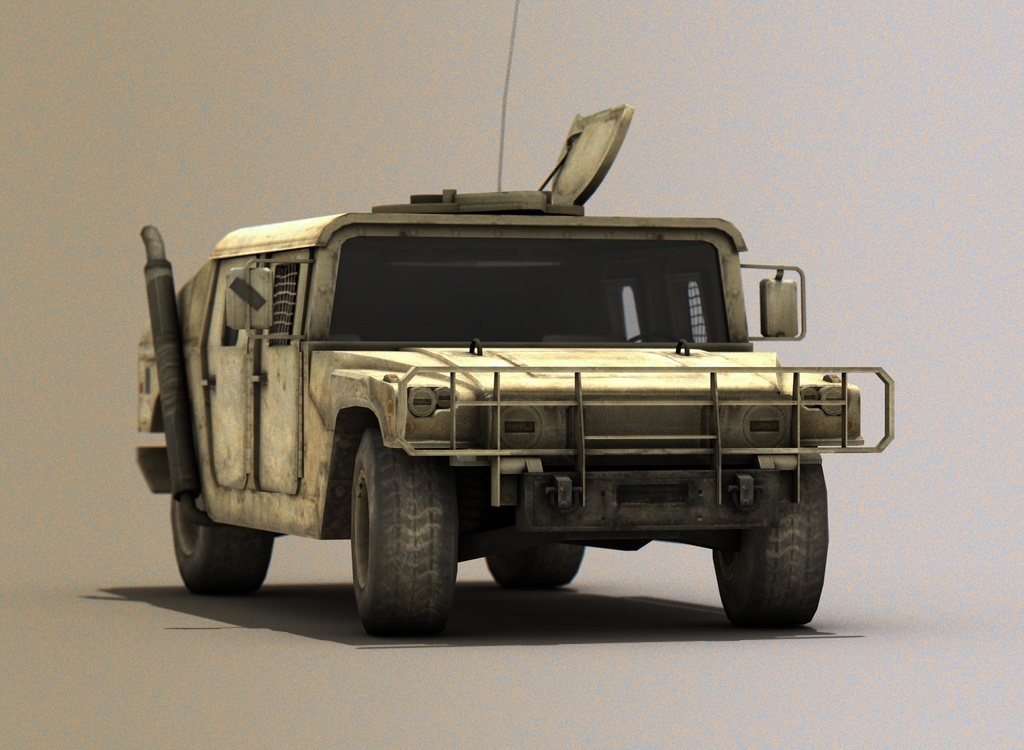
3D renders. (Please continue reading to the end)
It goes without saying that to be successful your shots need to be ‘good stock photographs’ and available in high resolution format. But presuming that all this is in order, how do you maximize sale ability?
Good Stock Photographs
Firstly, you must know how to take good stock photographs. For those who haven’t heard what stock photography is.. Stock photography is photography or imagery that can be licensed for specific uses. Its use is very popular with designers, graphic artists, art directors, advertising agencies, and marketing professionals, in magazine ads, websites, and marketing brochures. Instead of hiring a professional photographer to create an image, a buyer licenses an image and the photographer is paid a commission. There are many books talk on how you can take good stock photographs, and here are just some of the very basic points;
- No digital noise, please…
Most agencies rank each photo based on it’s overall quality and potential for salability. Make sure your photos are clear, crisp, nicely composed, well lit and most importantly free of digital noise caused by high iso, underexposure, long exposures and over-processing.
- No snapshots or tourist-like photos, please…
Do not ever think that you’ll earn lots of money by selling your snapshots or tourist-like photos. This is not a get rich quick scheme. Your photos must be commercially in demand and highly usable for art directors or designers. You can take a look at the most popular files once you’ve signed up to an agency to get an idea of what is selling. You can also review other professional sites like GettyImages, Corbis, and Comstock to get some inspirations.
- No logo/copyrighted material, please…
When you’re submitting photos to the microstockphoto agencies, make sure they don’t have any company logos, trademarks, third-party images and brands.
- Ask your model to sign a model release..
Unless if you’re submitting editorial images, you must provide a model release for any recognizable person in your image. Each agency has its own standard model release form that you have to fill in and send along with each image containing a recognizable person. I usually send the same format of model release [Download model release], and send it to all agencies without any problems.
You need to find out whether a website will be worth your while by logging on and having a look around. Views the types of images stocked, and determine whether yours are on par with their quality and style. You can check how many visitors (traffic graphs are available below) and the number of times each image has been downloaded. You can also join the community forum usually available on the agency and ask the other members regarding their selling/month, etc. Use this information to answer the question: How likely is it that I will actually sell my images through this website?
Categorizing & Keywording
Sellers can usually place images in more than one category – exploit this by placing yours in as many as possible. The importance of this is that while visitor and site members browse websites, photo buyers shop by category. Getting your photos listed within the right categories ensures they appear in front of the right audience.
Keywords are there to give your photos a further away of being found by searches, and websites will give you a certain amount of characters to play with, which you should exhaust. Keep your keywords simply and accurate. Remember, do NOT enter “junk” keywords or keywords that are not applicable to an image. This will slow down your approval process or even worse, get your photos being rejected.
Here’s a neat online keywording tool to help stock photographers keywording their images with high quality keywords.
Uploading
Usually you have three ways to upload your photos to the agencies. The most common one is using the web upload form which is available on all stock photo agencies. Then you have the ActiveX/Java uploading system which available only on some of the agencies. The last one is via FTP (File Transfer Protocol) software which I think is the easiest way of uploading your photos as what you need to do is to drag and drop your files from your computer to their server. You can also schedule your upload anytime you want (I usually do my uploading at night just before going to sleep). Unfortunately, one of my biggest money maker agencies (ie. Istockphoto) does not have this option available, instead the agency has its own uploading software where you have to pay to get the pro version.
To be able to transfer your photos via FTP you will need an FTP Client such as CuteFTP and FileZilla for Windows users or Cyberduck for Mac users. You can go to software repository sites such as download.com or tucows.com to find your FTP client program, read the user reviews, download & install it to your computer.
Free Registration on Shutterstock
and
Free Registration on Dreamstime
and
Free Registration on Fotolia
Read more...